1 / 3
Virus checked
v1.2.0.0 latest
Free Mod
Realistic Shader by Stardiver2
–
Rating
0 Ratings
538
Downloads
10.9K
Views
0
Thanks
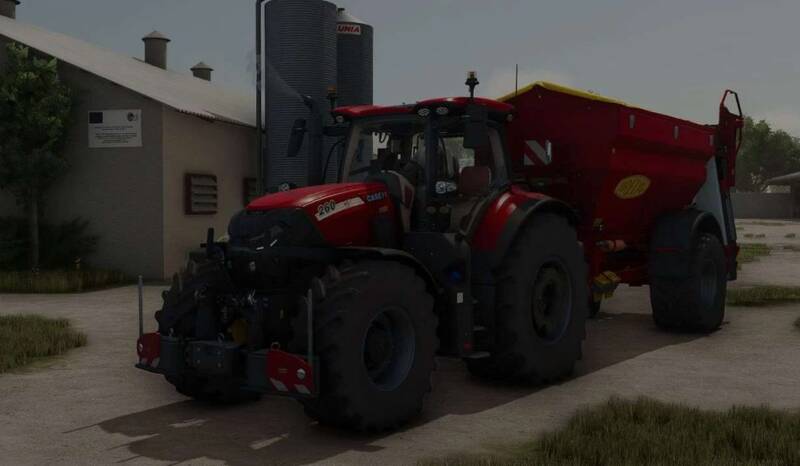
Realistic Shader – Reshade Preset for Farming Simulator 25
Enhance your game visuals with this simple yet effective Reshade preset. It improves shadows and brings more natural colors and lighting to your Farming Simulator 25 experience, creating a more immersive and realistic atmosphere without unnecessary effects.
Installation Instructions:
- Download and install Reshade with full add-on support.
- Close the game before proceeding.
- Run the Reshade installer and select the FarmingSimulator2025.exe located in your game directory:
- Steam: Program Files (x86) > Steam > steamapps > common > Farming Simulator 2025 > x64
- Giants: Program Files > Giants > Farming Simulator 2025 > x64 - Select DirectX 10/11/12 during installation.
- Choose to install all effects when prompted.
- Start the game and open the Reshade menu with the Home (Pos1) key.
- Click the folder icon, move the provided .ini shader file into the x64 folder, and select it in the Reshade menu.
- If flickering occurs, go to the Add-ons tab in the Reshade menu and enable the appropriate option.
Feel free to reach out with questions. Enjoy the improved visuals!
Comments
You must be logged in to comment.
No comments yet.