1 / 1
★ 5.0
Rating
5 Ratings
532
Downloads
2.5K
Views
1
Thanks
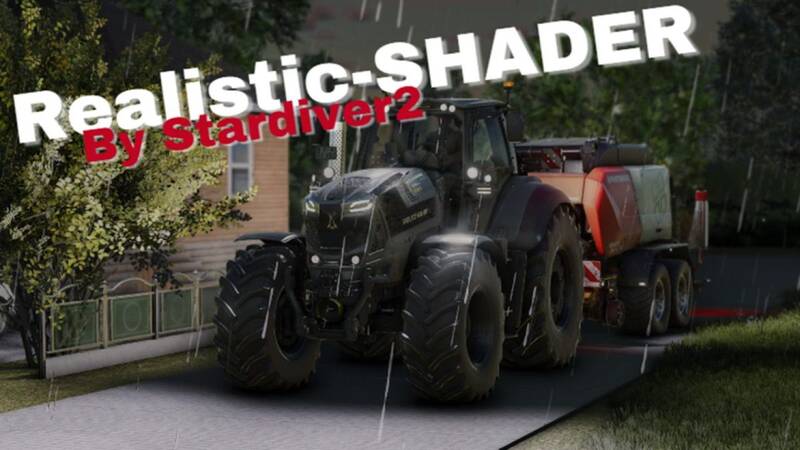
Enhance your Farming Simulator 25 experience with this preset. It brings more natural colors and lighting to the game, creating a realistic atmosphere without unnecessary effects.
Installation Instructions:
- Download and install ReShade.
- Close the game before proceeding.
- Open ReShade and select the Farming Simulator 2025 executable file:
- Steam:Program Files (x86)\Steam\steamapps\common\Farming Simulator 2025\x64
- Giants:Program Files\Giants\Farming Simulator 2025\x64 - Select DirectX 10/11/12 as the rendering API.
- Install all effects when prompted.
- Launch the game and open the ReShade menu with the Home (Pos1) key.
- Click the folder icon in the menu, move the
.inishader file to the game’sx64folder, and select it from the menu.
Comments
You must be logged in to comment.
No comments yet.